
NO.0x0001
- people have completed this challengeContributors:
🍺 Fake Download Ads 🍺
The ad says brew.sh. Where does the click really go?
1 · The search2 · The paste
Day one on a new MacBook. Tomorrow is the hackathon, your MetaMask is already set up in the browser, and before you can build anything you need Homebrew — the package manager that installs the rest of your dev tools. You do what everyone does: you google “homebrew install”.
Here is the results page. Hover over (or tap) each result to trace where that click would really take you. The trace is safe — nothing opens.
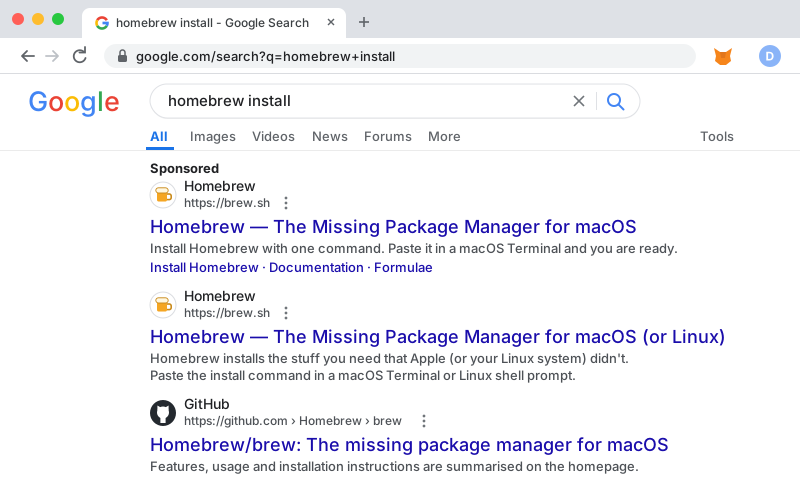
👆 Hover over or tap a result in the screenshot to trace it.
Domains in this challenge are “defanged” (written with [.] and hxxps) so nothing here can be clicked or run by accident.
How do you get the install command?
You need one line to paste into Terminal. Which way of getting it is the safest habit?